Coolblock Panel · Admin Guide

COOLBLOCK - OS Installation - Ubuntu 24.04 LTS
-
Select
Englishas language.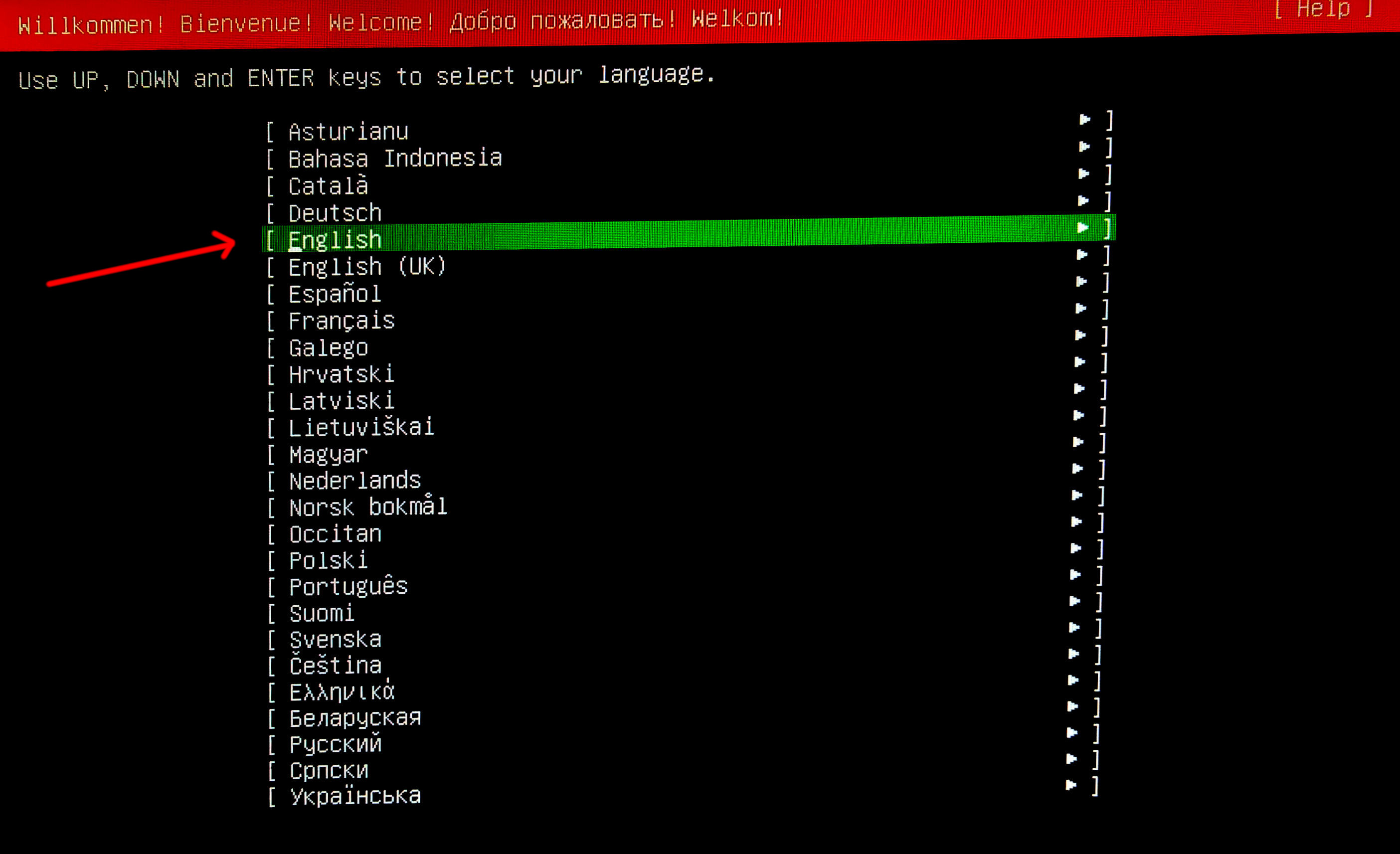
-
Select
English (US)keyboard layout and variant.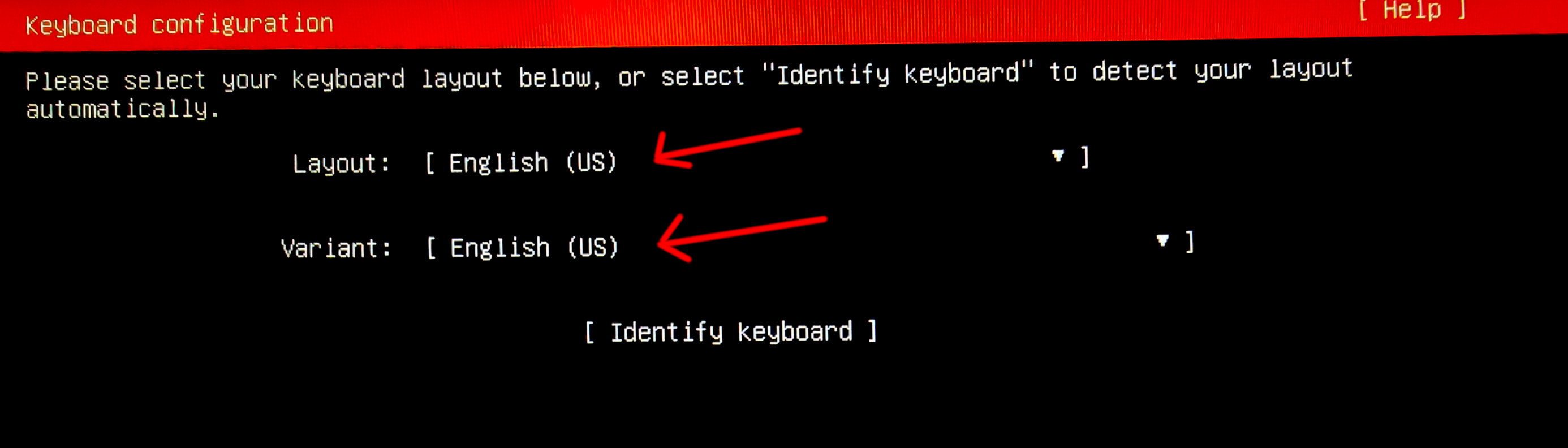
-
Select
Ubuntu Server (minimized)and enable third-party driver search if available.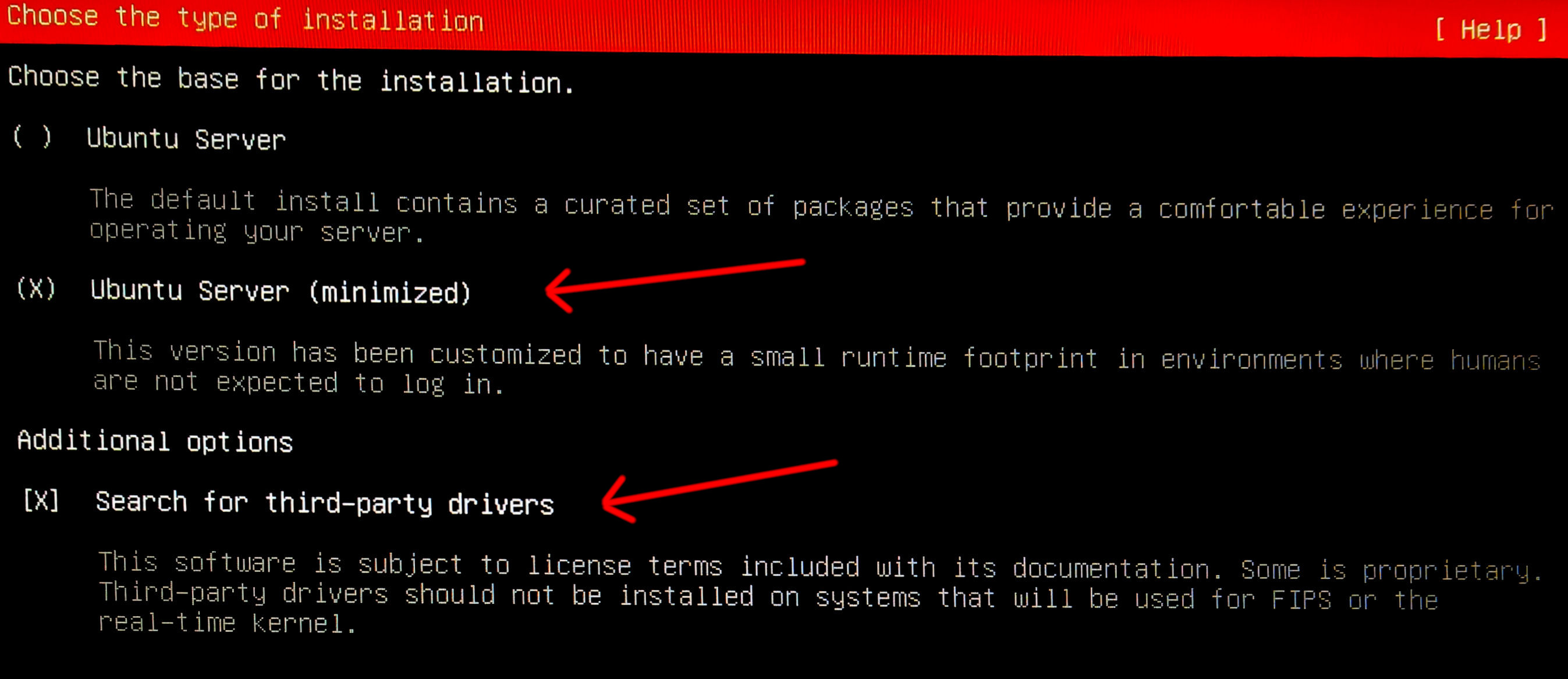
-
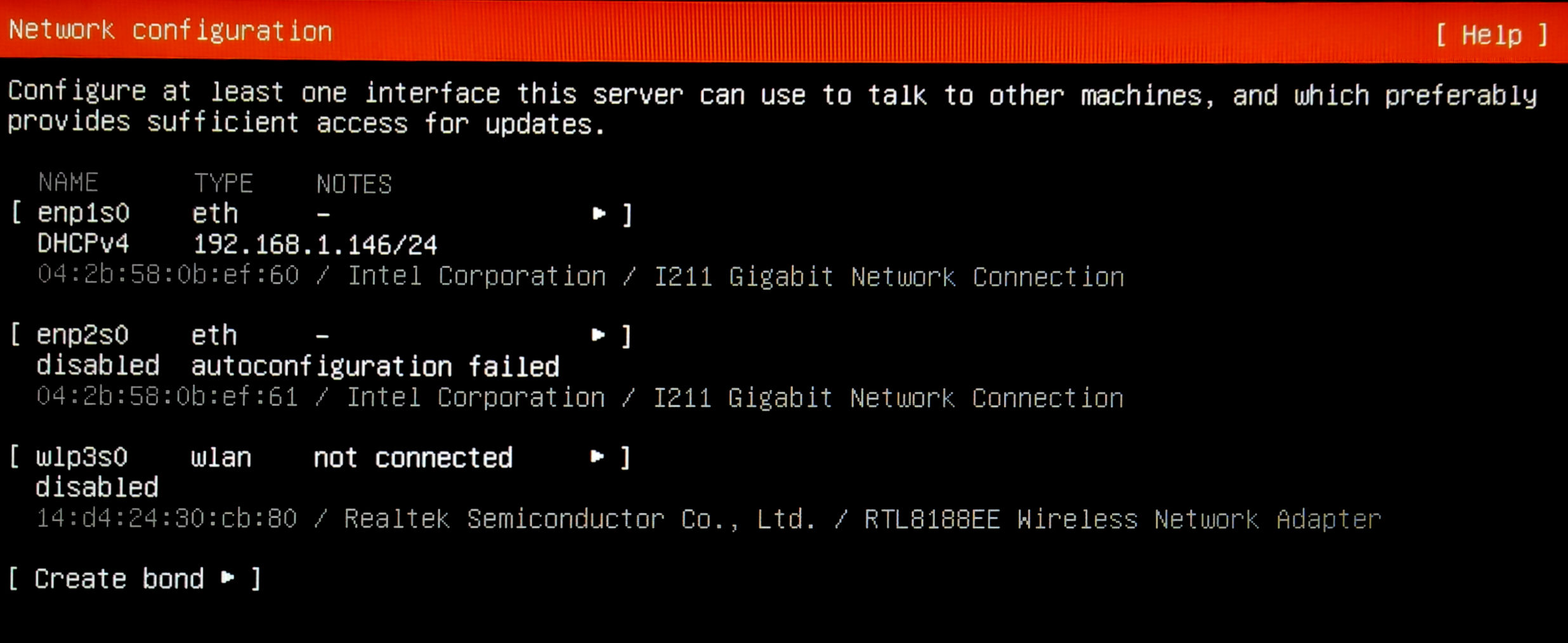
Leave network on DHCP (the install script reconfigures it later).
-
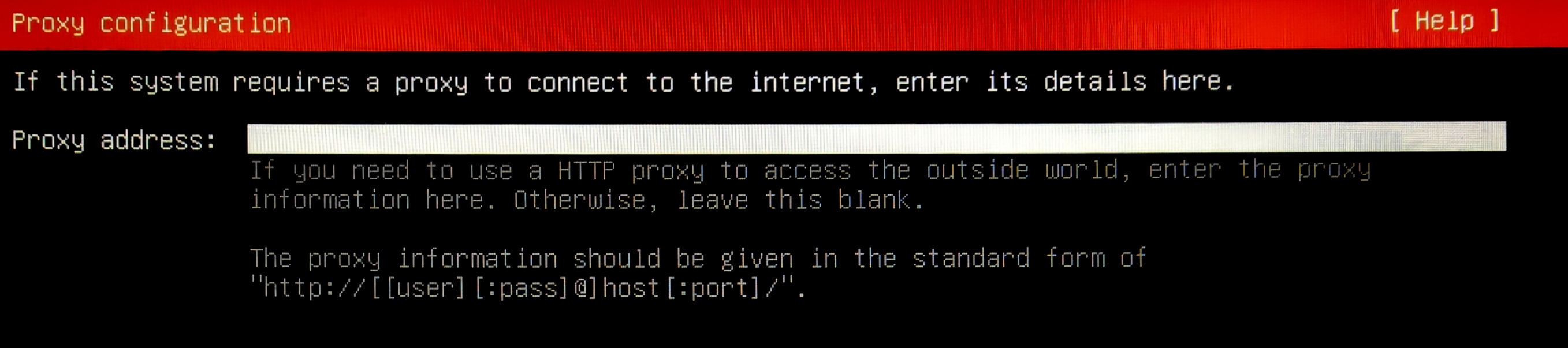
Skip HTTP proxy.
-
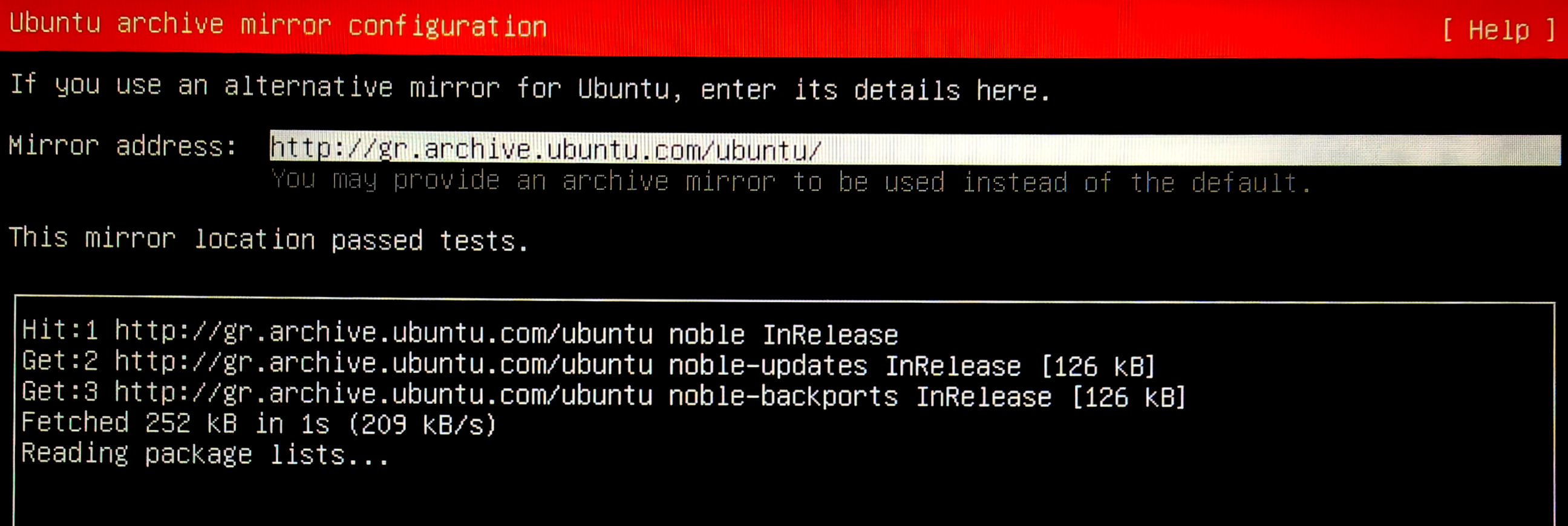
Keep the default APT mirror.
-
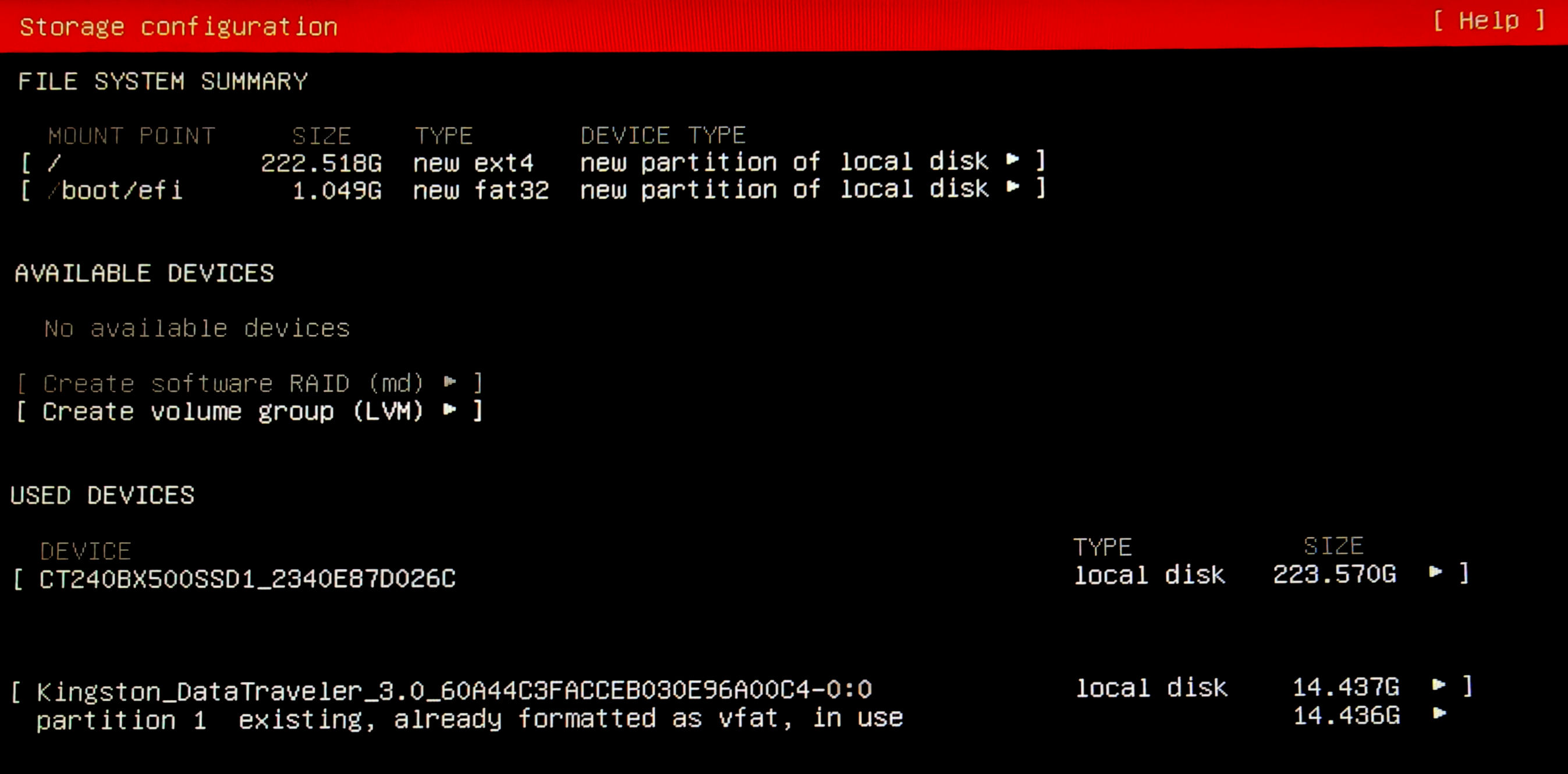
Uncheck
Set up this disk as an LVM group. EnsureUse an entire diskis selected.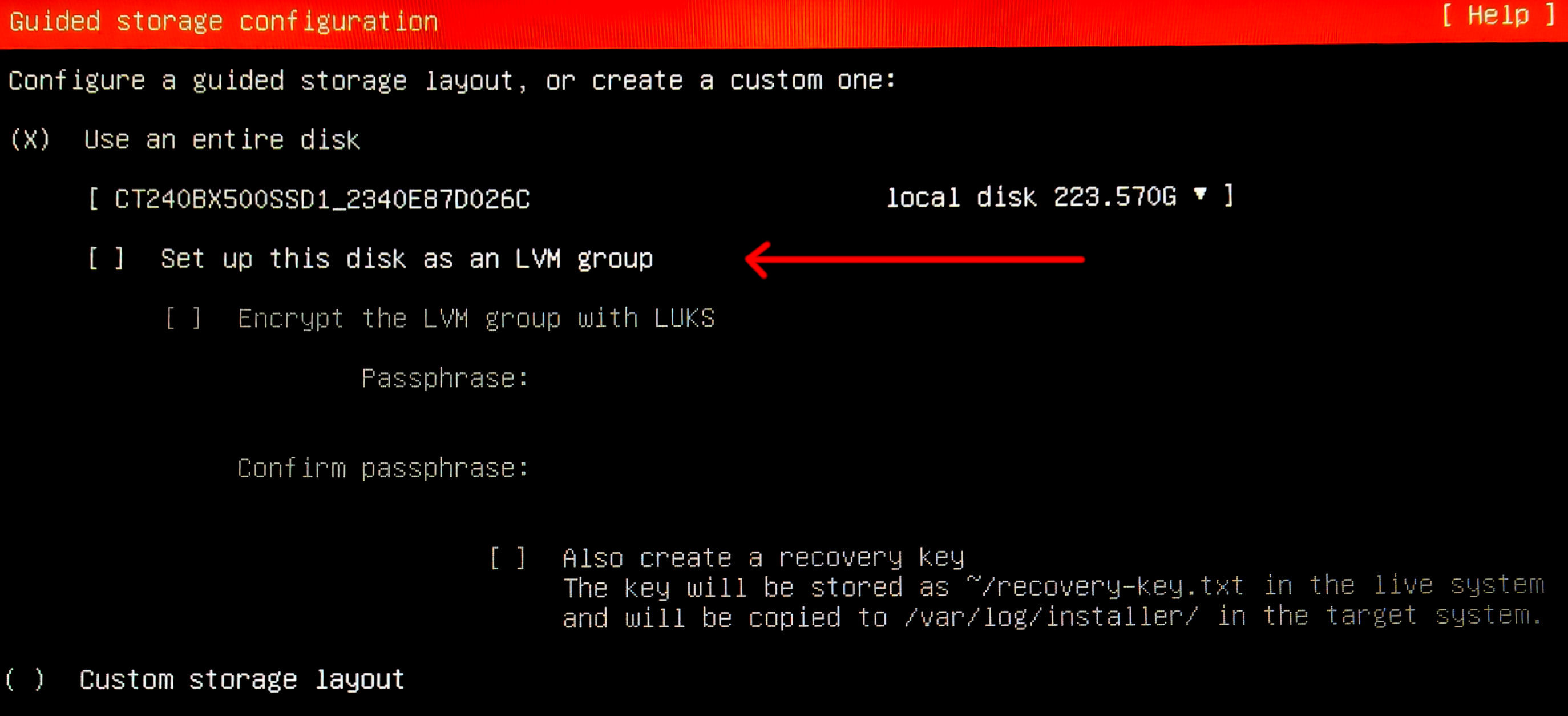
-
Continue with defaults.
-
Create user
coolblock, set hostname topanel, password tocoolblock(changed later by end customer).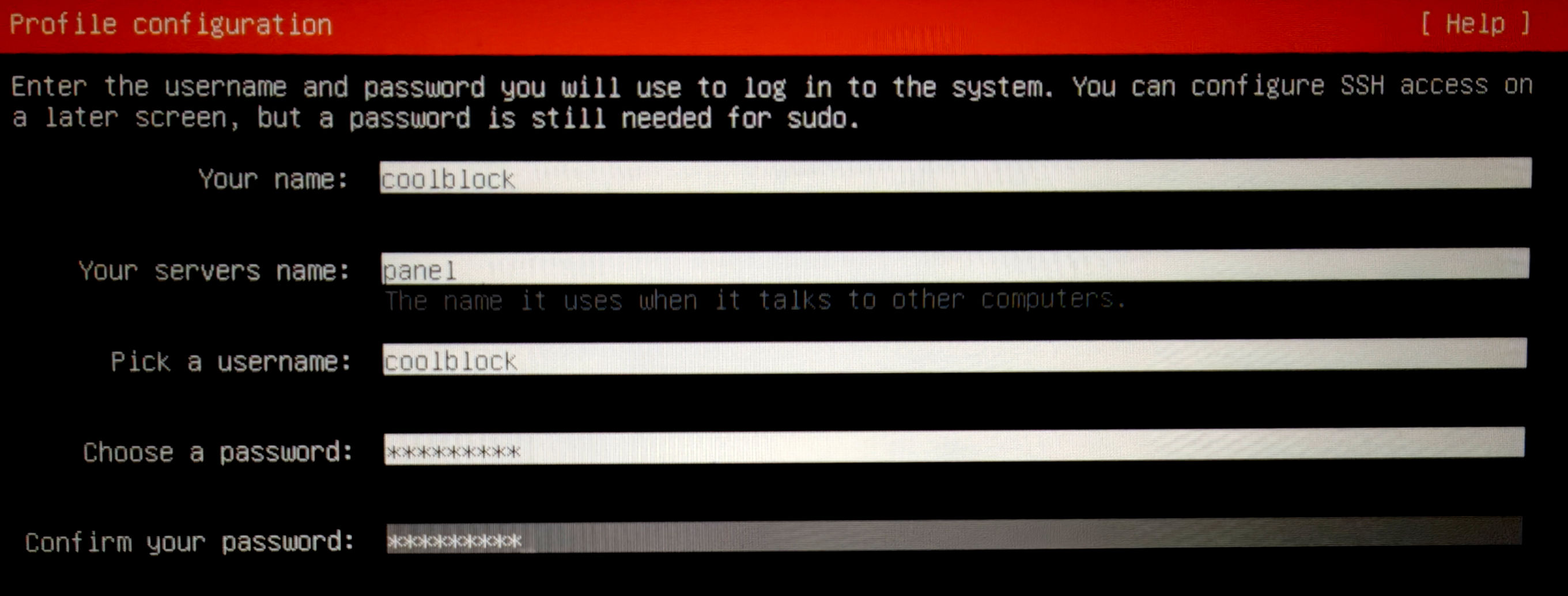
-
Skip
Ubuntu Pro.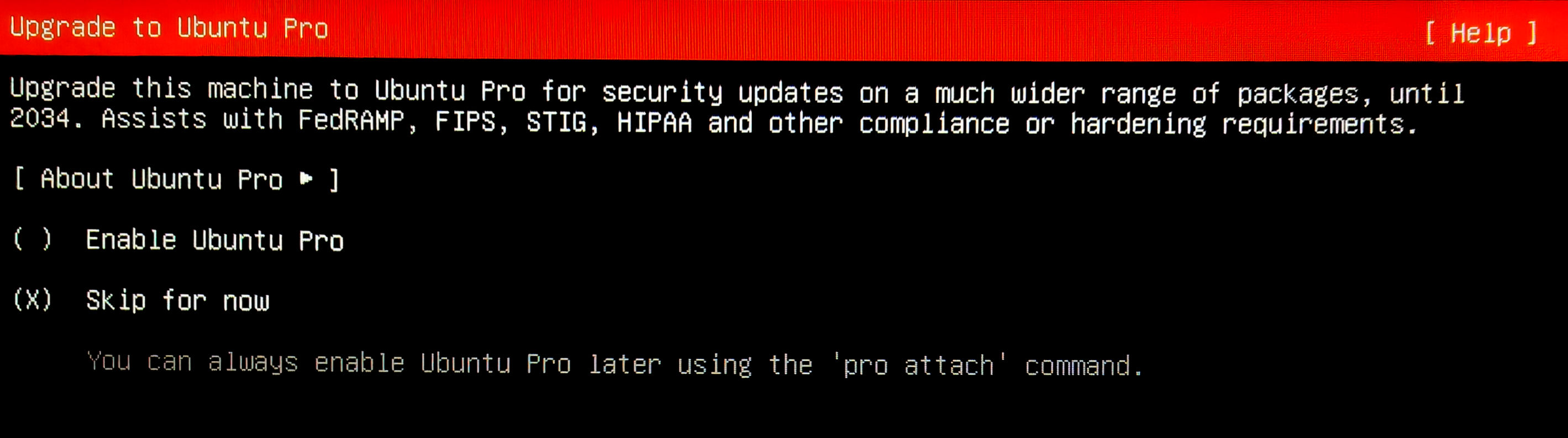
-
Select
Install OpenSSH server.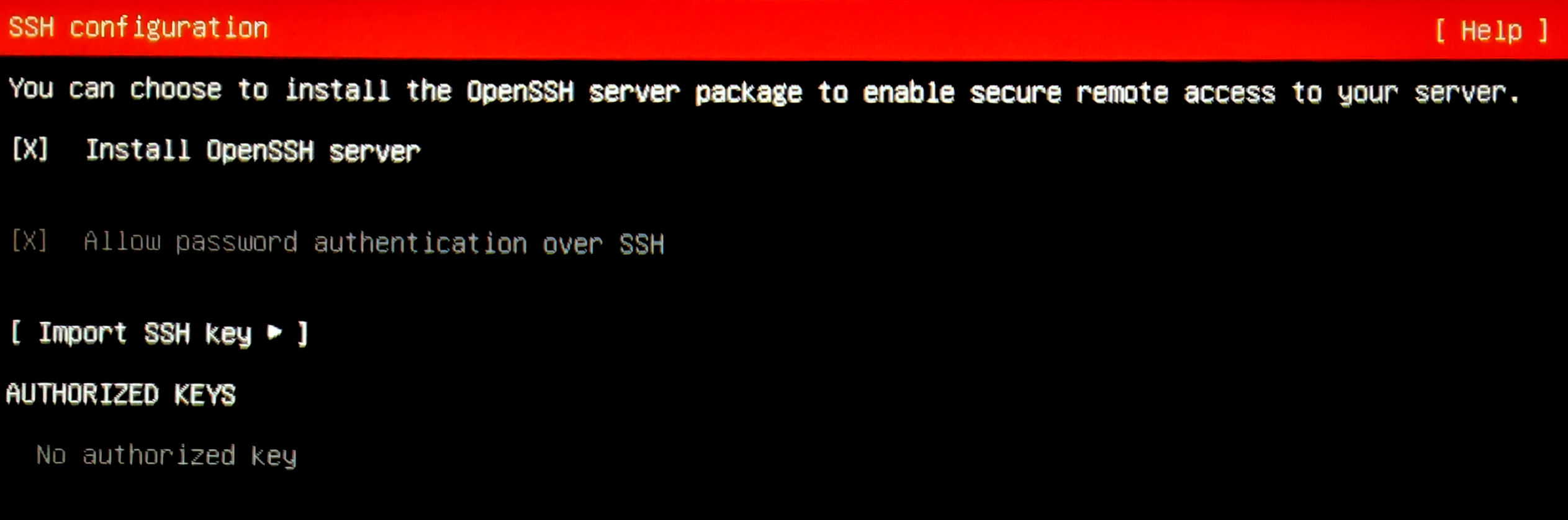
-
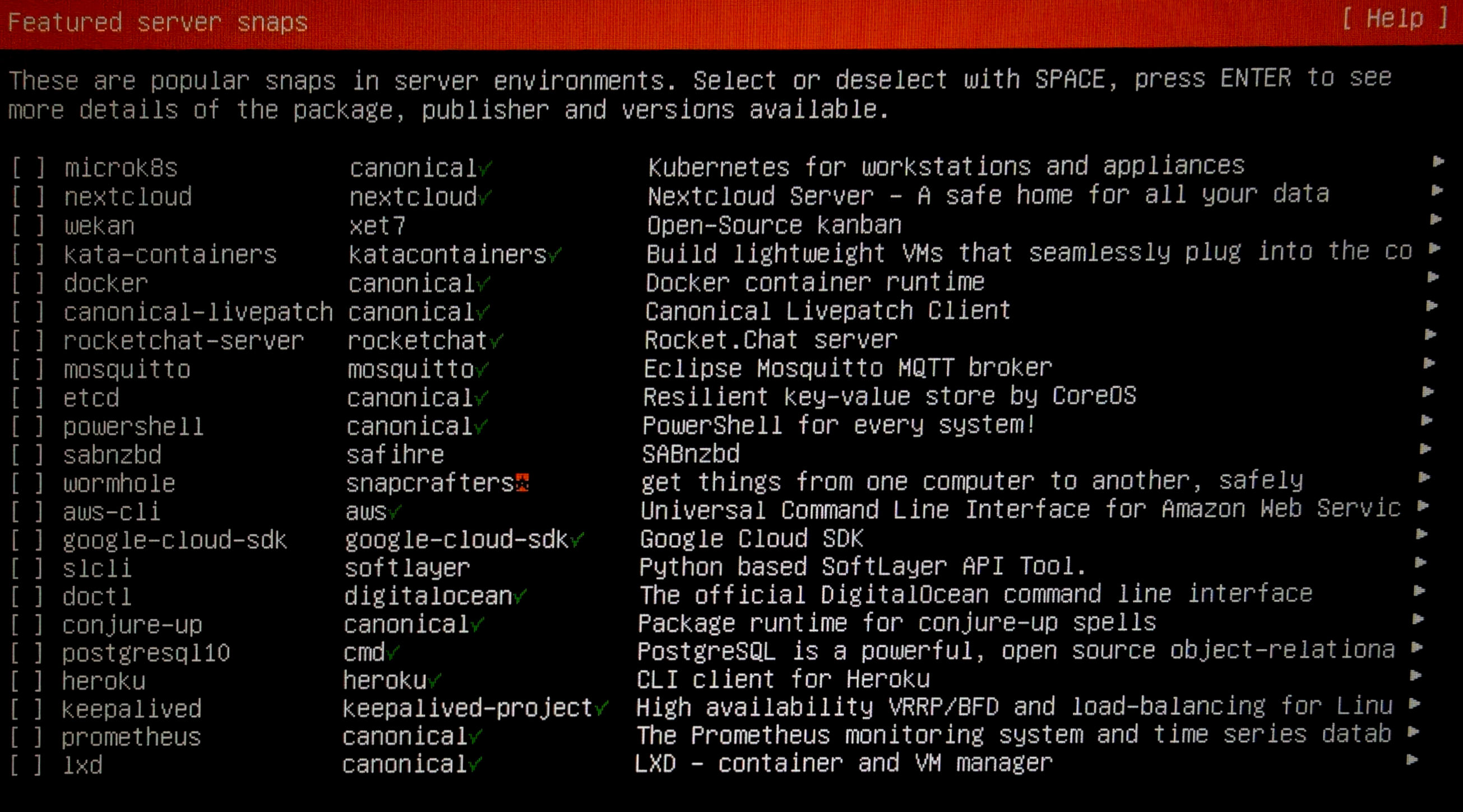
Do not select any additional snap packages.
-
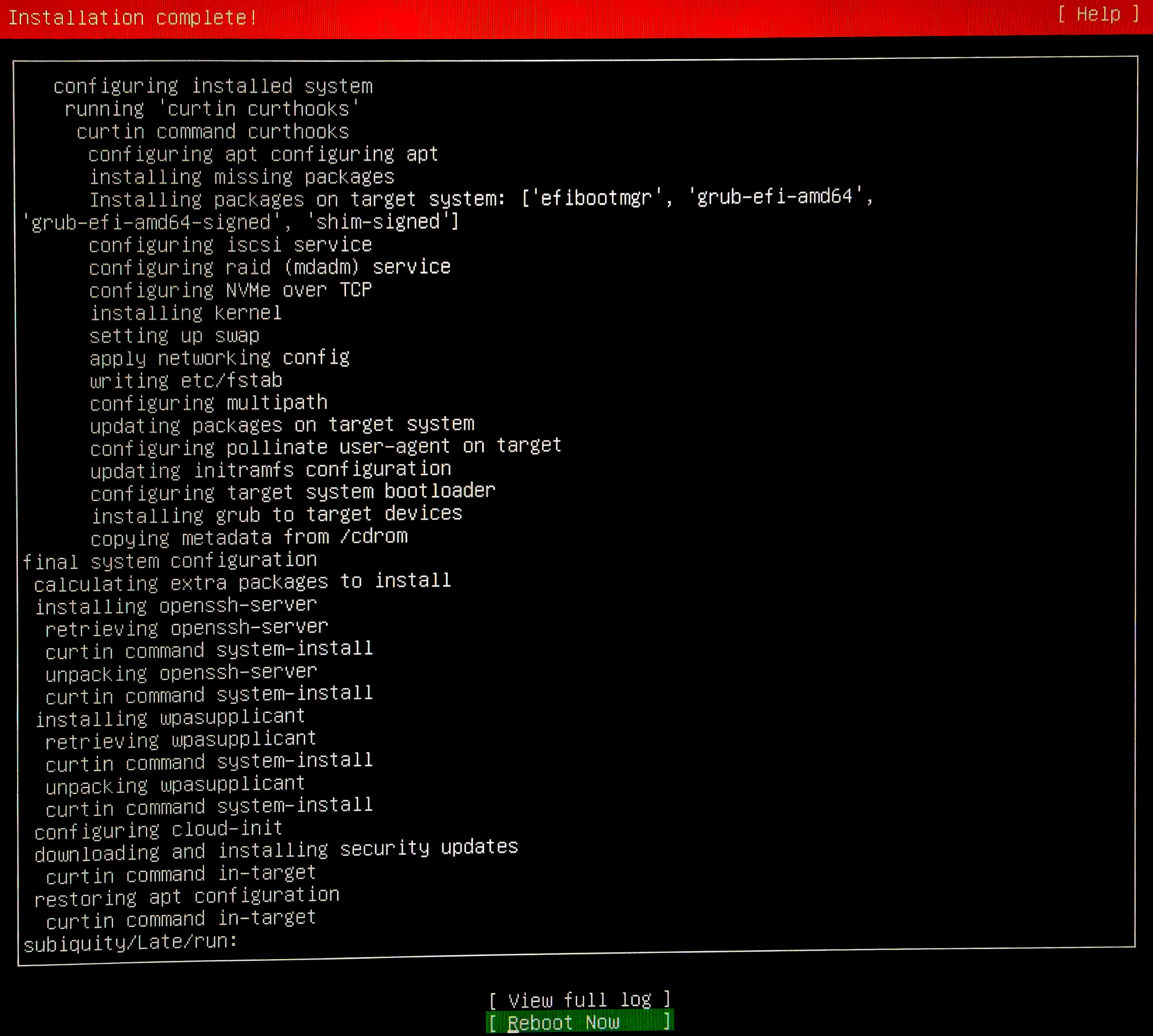
Reboot when installation completes.